
Printago Studio
A full slicer in your browser, built into Printago. Open a part, change anything, slice with the real Bambu Studio and OrcaSlicer engines, check every layer, and send it to your queue or save it back. Every organization has it.
Changing one setting on a part used to mean downloading the file, opening a desktop slicer on the one computer with your profiles, and uploading it again. Now every part in Printago has Open in Studio, a full slicer in your browser with nothing to install.
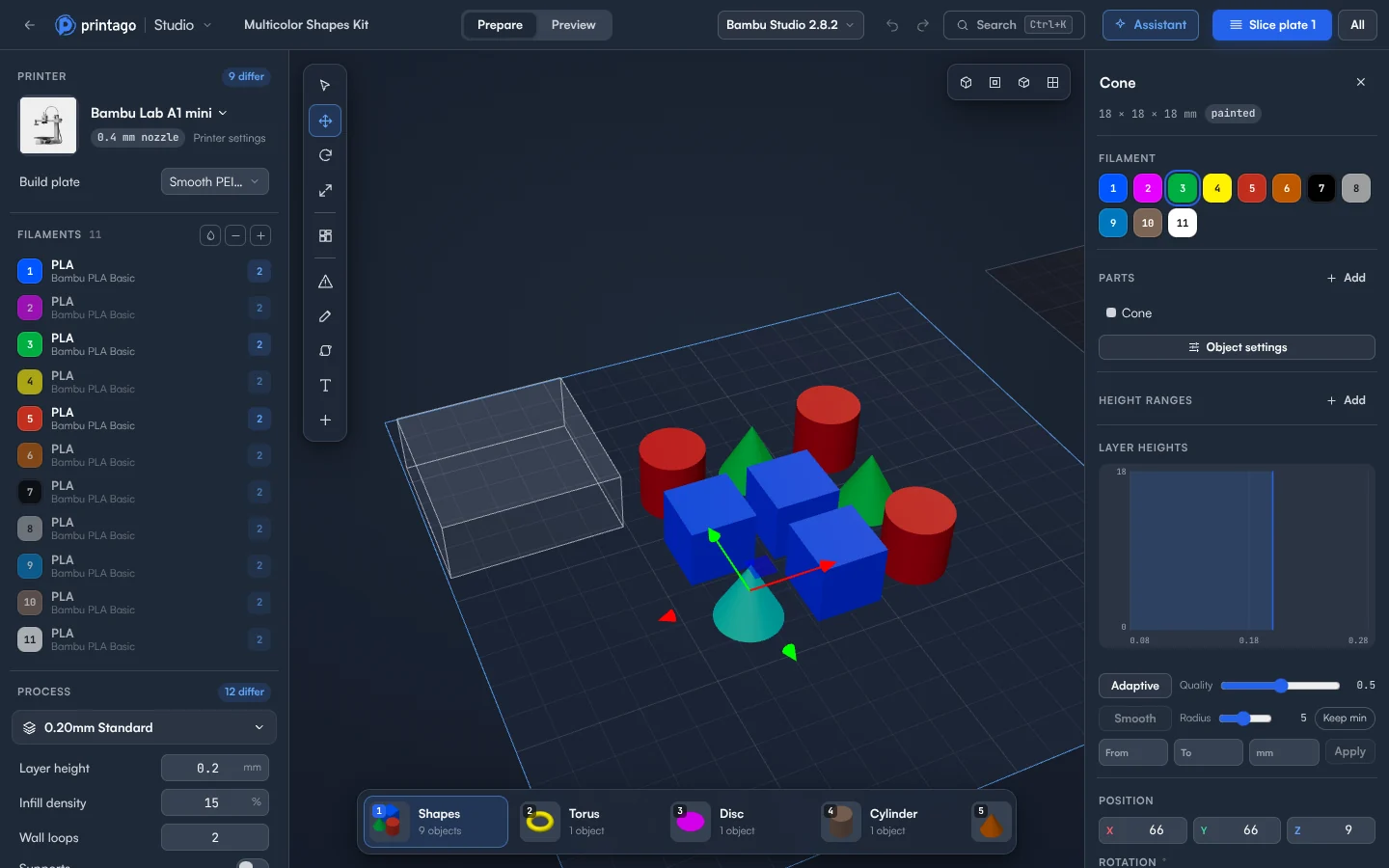
- Edit like you would on the desktop. Move, rotate, scale and arrange. Change any setting for the whole plate or a single object, and add modifiers, negative parts, and support blockers or enforcers.
- Slice with the real engines. Studio runs unmodified Bambu Studio and OrcaSlicer, with your Printago profiles listed first.
- Check every layer. Preview shows the toolpaths, print time, grams per color, material cost and color changes.
- Print it or keep it. Add to Printago queue prints exactly the G-code you checked, or save your changes back to the part so every future order uses them.
- Ask the assistant. It changes your plate, slices, and checks the result, and every step can be undone.
- Open OpenSCAD and G-code parts. Change an OpenSCAD part's options and the model updates in place. G-code and gcode.3mf parts open straight into their toolpaths.
- Use any device. It runs in any modern browser, including Chromebooks, iPads and phones.
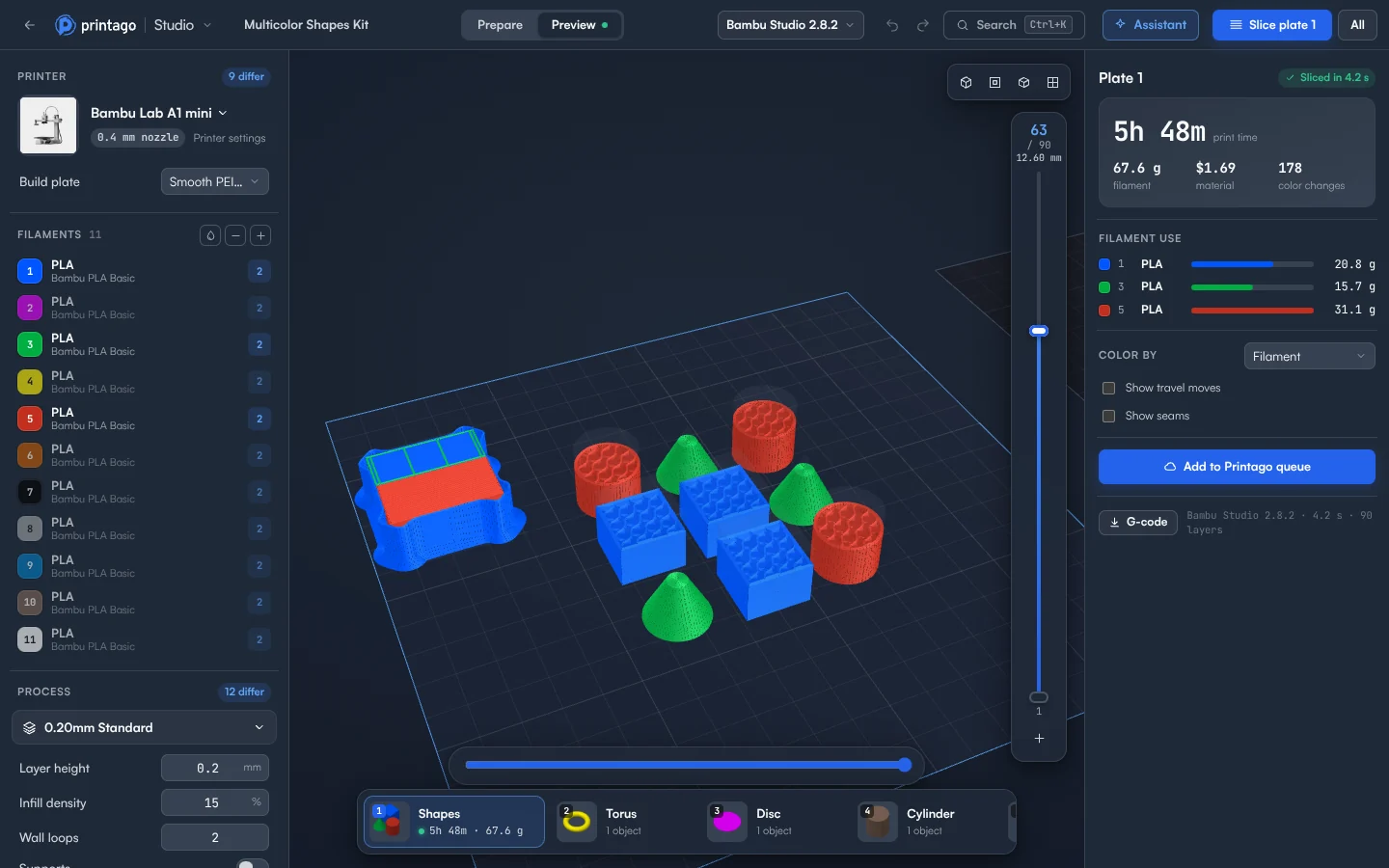
Every organization has Printago Studio, with 60 minutes of cloud slicing and rendering time a month for free, or 60 per production slot on a paid plan. Jobs sliced by your print queue don't count.
See the Printago Studio page, or read how to use it.
Sign up for free today
No credit card required. Connect unlimited printers and get production automation running in minutes.